See it before you choose.
Compare style previews on your photo. Pick a natural finish, deeper color, softer light or a more deliberate grade.
 TonalurePreview
Coming soon
A photo editor built around color
Find a look on your own photo.
Then shape the color and light until it feels right.
Editor coming soon. Explore the examples below.
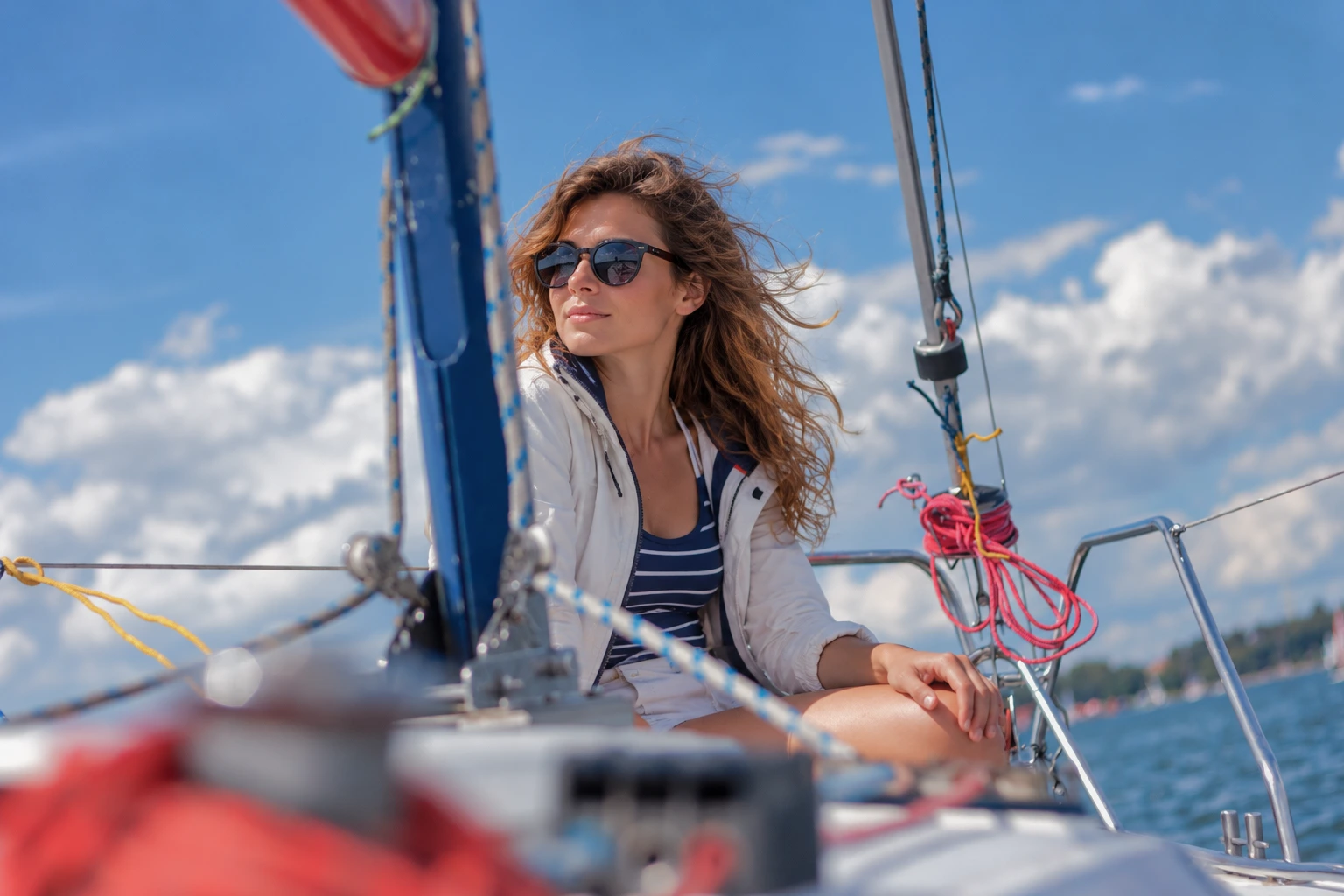
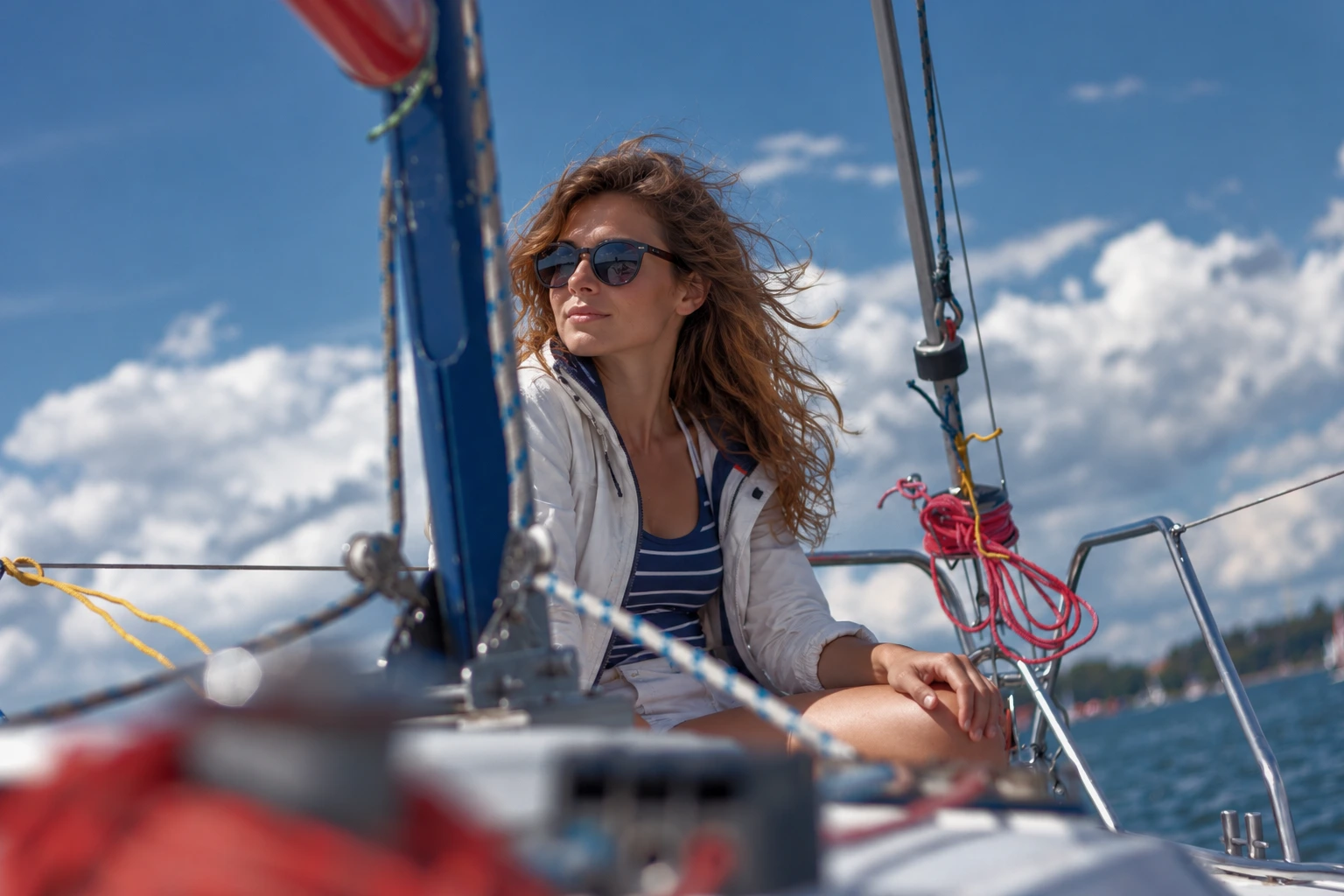
Start with a direction
Styles adapt to the photo you open. Every adjustment stays in the operation stack, ready for you to change.
Compare style previews on your photo. Pick a natural finish, deeper color, softer light or a more deliberate grade.
Work directly on the image. Pick a color or tonal range, then drag to change it. Keep the rest of your edit in view.
Save your own preset. Reuse the look across a series, with room to fine-tune individual photos.
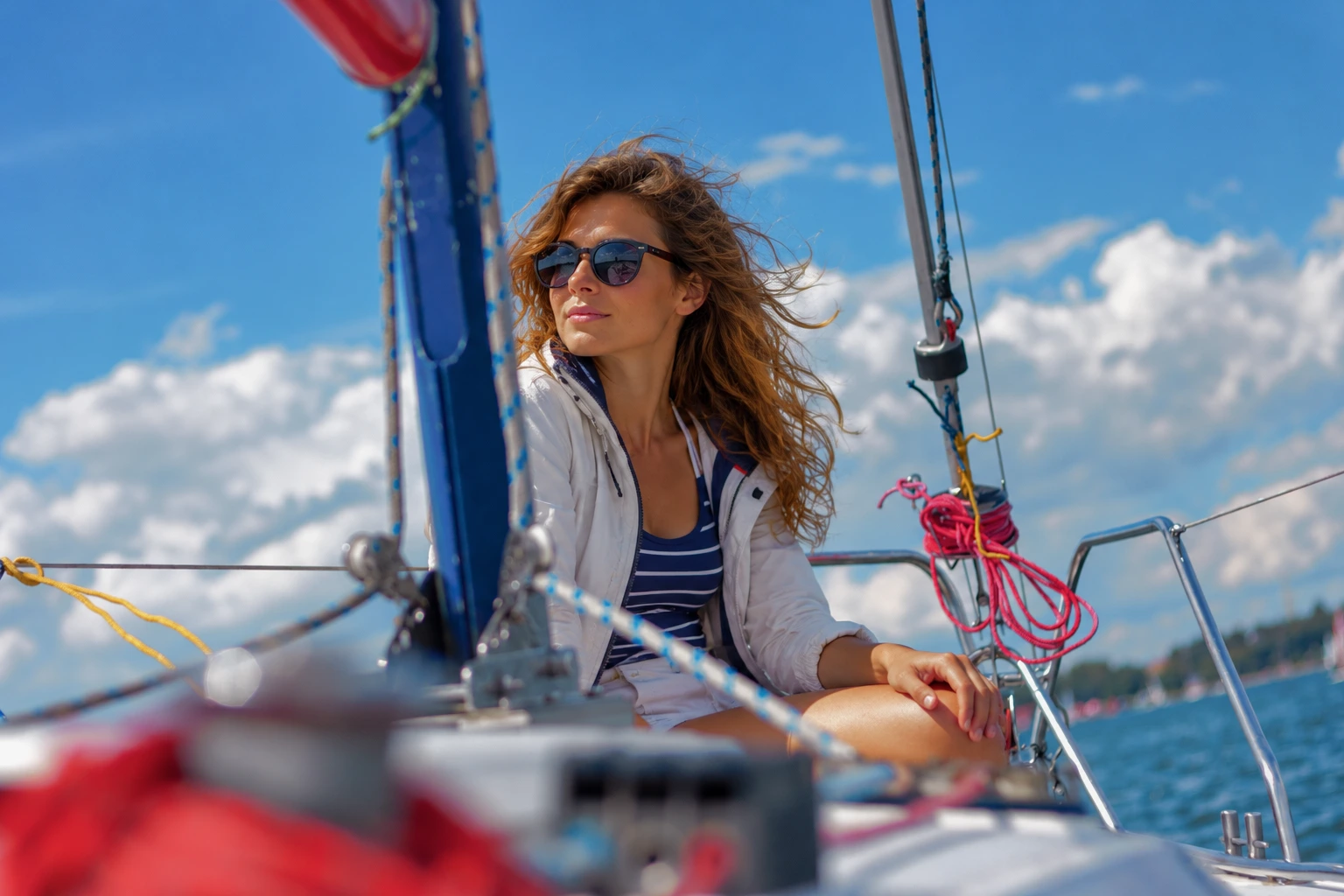 Color depth · Tonalure
Work with the palette
Separate similar shades, bring colors into harmony, or borrow a palette from a reference photo. Adjust brightness within a color range without changing the whole image.
Keep what matters
Preview on a smaller image, export from the original pixels. Choose a smaller output only when you want one.
Work with supported HDR photos. Keep a 32-bit float TIFF master, or export a 16-bit PQ PNG for HDR viewing.
Reduce color blotches and brightness grain, then inspect sharpening at native size. Refine the amount where it matters.
Original files and full-resolution rendering stay on your device. Automatic analysis sends brightness, color and noise measurements after you enable it. Skin detection runs on your device.
A few useful details
These details describe the editor in development. This public website only shows prepared examples; it cannot open or upload your photos.
Each automatic style creates an editable stack of operations. You can change its tone settings, curves, color choices, masks and strength, or start from an empty stack.
Camera RAW, HEIC/HEIF, JPEG and supported TIFF and PNG files. RAW support depends on the camera and compression mode. HEIC needs a compatible system HEVC decoder and browser; support varies by file. HDR support includes compatible HEIC gain maps, Tonalure float TIFF masters and 16-bit PQ PNG. Unsupported variants are reported in the editor.
Export options include 16-bit SDR TIFF, 32-bit float HDR TIFF and 16-bit PQ HDR PNG. HDR viewing depends on your browser and display. These landing-page examples are SDR images.
Your original stays in your browser. Automatic analysis needs permission to send image measurements to the server. Skin detection runs locally without uploading a photo. You can disable automatic analysis and keep editing manually.
Session recovery is stored in this browser on this device. It is not cloud storage: clearing browser data can remove saved sessions. Download your recipe and keep the original photo as a backup.
Tonalure is being prepared for launch. You can compare real edits on this page; the editor, accounts and subscriptions are not open yet. We have not announced pricing or a release date.
Coming soon
The examples above were made with Tonalure. We are preparing accounts and access before opening the editor.
Contact us